
- Log in to cPanel under your product/service section.
- Navigate to the Email Accounts menu.
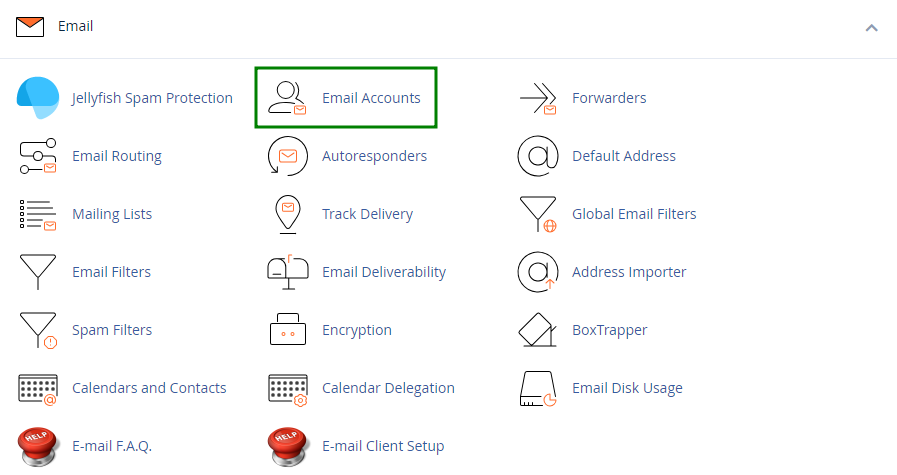
- Navigate to the Email Accounts menu.
- Find the necessary email address, and click the Manage option.
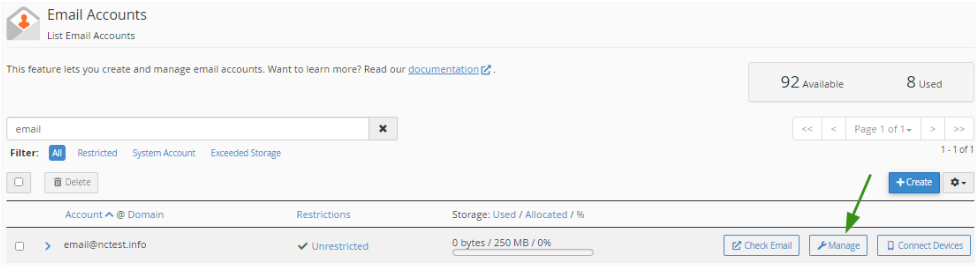
- Find the necessary email address, and click the Manage option.
- Navigate to the Security field and enter a new password. Alternatively, you can use the Generate option to create a password.
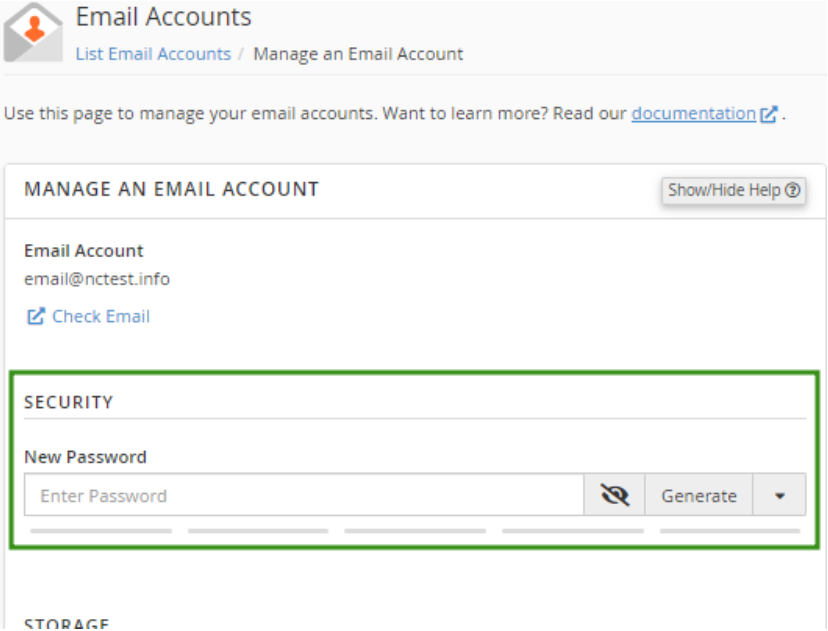
- Navigate to the Security field and enter a new password. Alternatively, you can use the Generate option to create a password.
- Click Update Email Settings to save the changes.
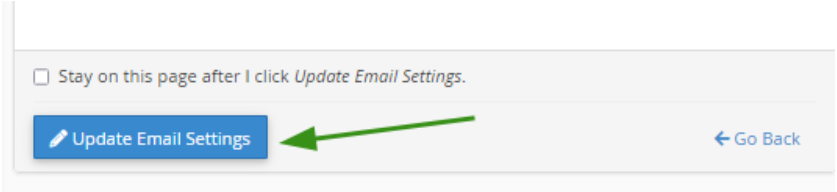
- Click Update Email Settings to save the changes.
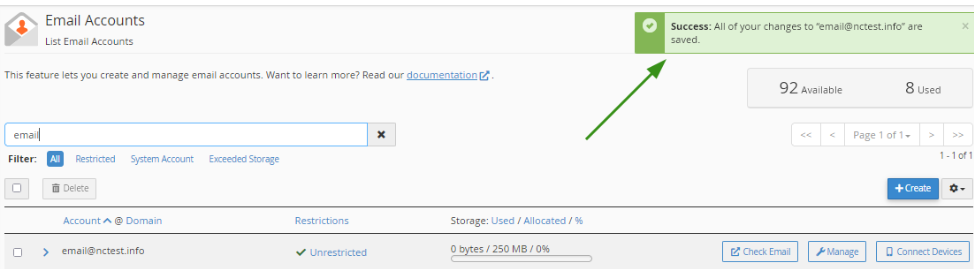
- Once the changes are saved, you’ll see a confirmation message at the top of the page.
Success!
